TaptivaAdmin login
CONNECT. ENGAGE. GROW.

Your NFC tag never changes. Everything behind it can.

Taptiva turns a single tap or scan into a digital menu, review link, or anything else — and lets you change the destination anytime, without printing a new tag.

  • No app to install
  • Changes go live instantly
  • Reprogram anytime

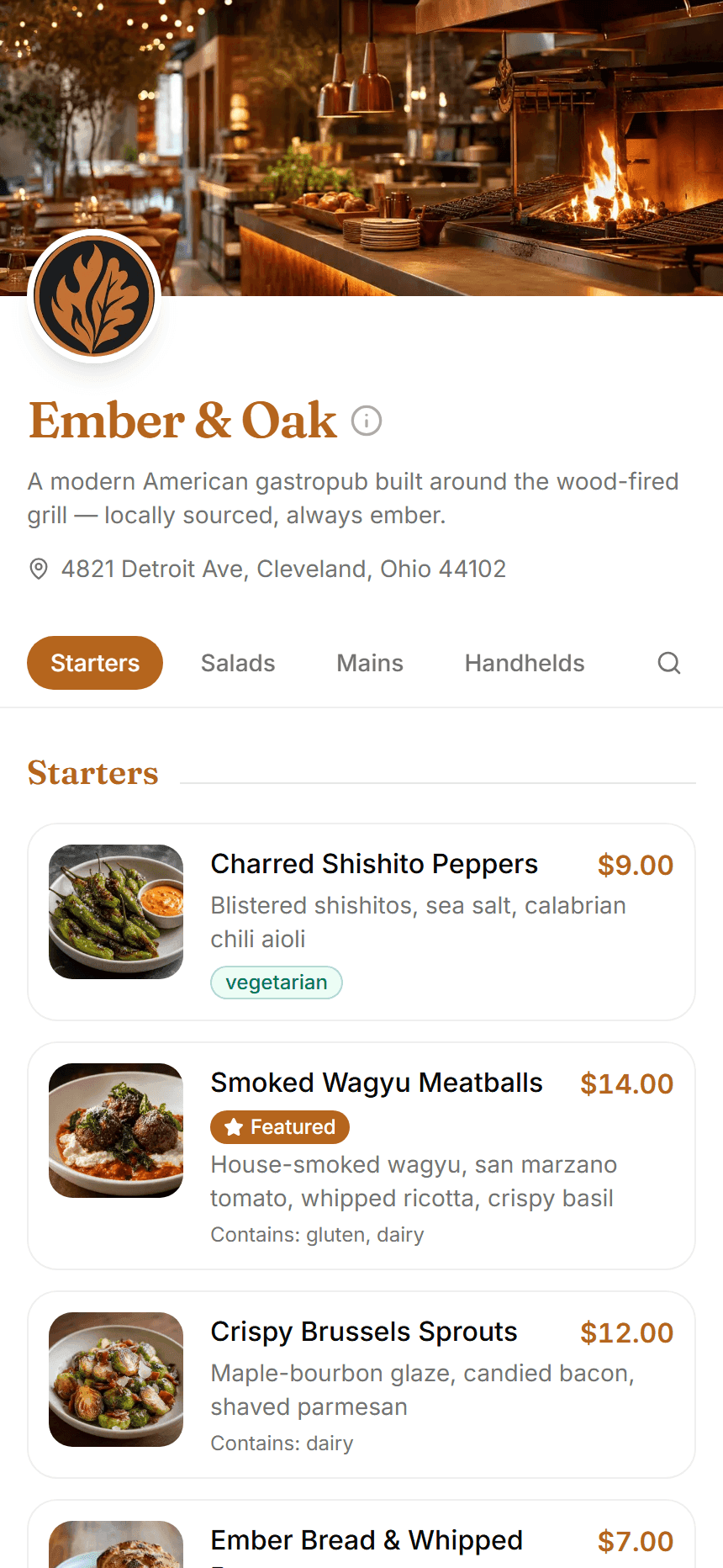
Sample menu, built entirely with Taptiva

Set up in days — we handle everything.

Get started

And the rest of the toolkit

Analytics

Menu views, link taps, and per-item engagement — tracked automatically in one dashboard.

Customer info sheet

Hours, wifi, maps, socials, and payment methods — one tap away on the menu.

Photo lightbox

Tap any dish to see it bigger, with the menu softly blurred behind it.

NEW

Never have a blank menu item again

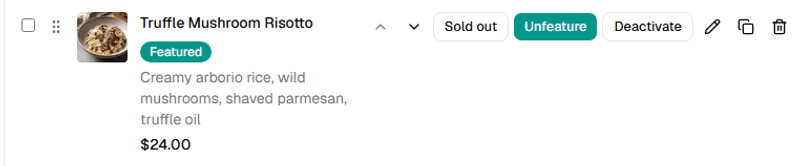
Missing a photo for a dish? Generate a realistic, appetizing one from just its name and description — powered by AI. No photographer, no stock photos.

  • Works from just a name and description
  • Realistic, appetizing shots — never clip art
  • One click from your menu editor, nothing to install
Generating…

Truffle Mushroom Risotto

Creamy arborio rice, wild mushrooms, shaved parmesan, truffle oil

Real, unedited output from Taptiva's AI — no stock photos.

NFC & QR

One tag on the table. Infinitely changeable behind it.

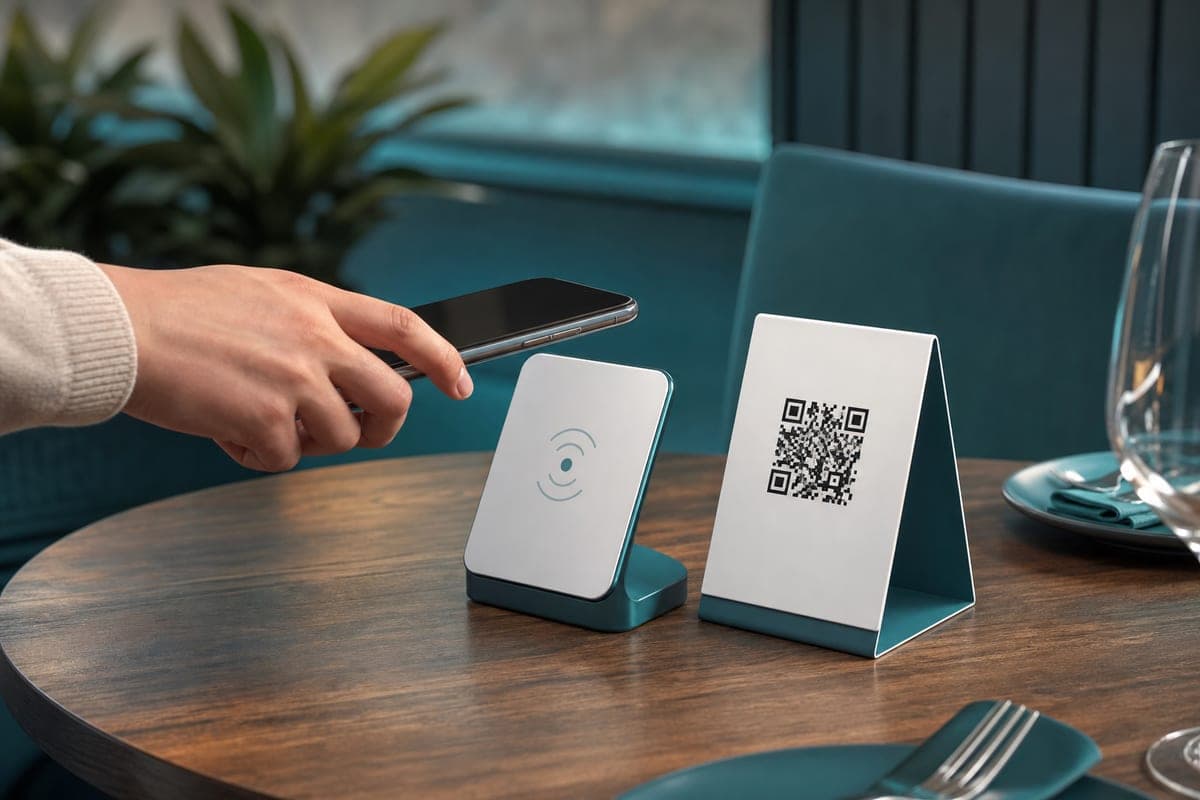
Every business gets a permanent link, encoded onto an NFC tag and a matching QR code. Customers tap or scan — no app, no typing a URL. What it points to is entirely up to you, and it can change as often as your menu does.

  • One permanent URL behind the tag or code — repoint it anytime, no reprinting
  • Works with NFC tags, QR codes, or both side by side on the same table
  • Every tap and scan is tracked automatically, with per-link analytics
  • Download a print-ready QR PNG in one click, sized right for table cards
A customer tapping their phone on an NFC stand next to a printed QR code table card
Tap
or
Scan
A real Taptiva QR code — every business gets one, downloadable as a print-ready PNG

Downloadable, print-ready, and yours to place anywhere — table cards, doors, flyers, or a locked NFC tag.

“Taptiva made running our menus so much more efficient.”

Owner, Flavors of Cleveland

How it works

01

Create

Build your menu and issue a smart link in minutes.

02

Tap or scan

Customers tap the NFC tag or scan the QR code — no app, opens instantly.

03

Track & update

Watch real activity roll in, and change the destination anytime.

Questions

Do customers need to install an app?

No — tapping the NFC tag or scanning the QR code opens the menu directly in their phone's browser.

Can I change what the tag points to later?

Yes. The tag or code itself never changes — repoint it to a new menu or link anytime from the dashboard.

Do I need both NFC and QR, or just one?

Whatever suits your tables — many restaurants use both: an NFC tag for a tap, and the same QR code printed alongside it for phones that don't tap.

Does it work well for menus with a lot of items?

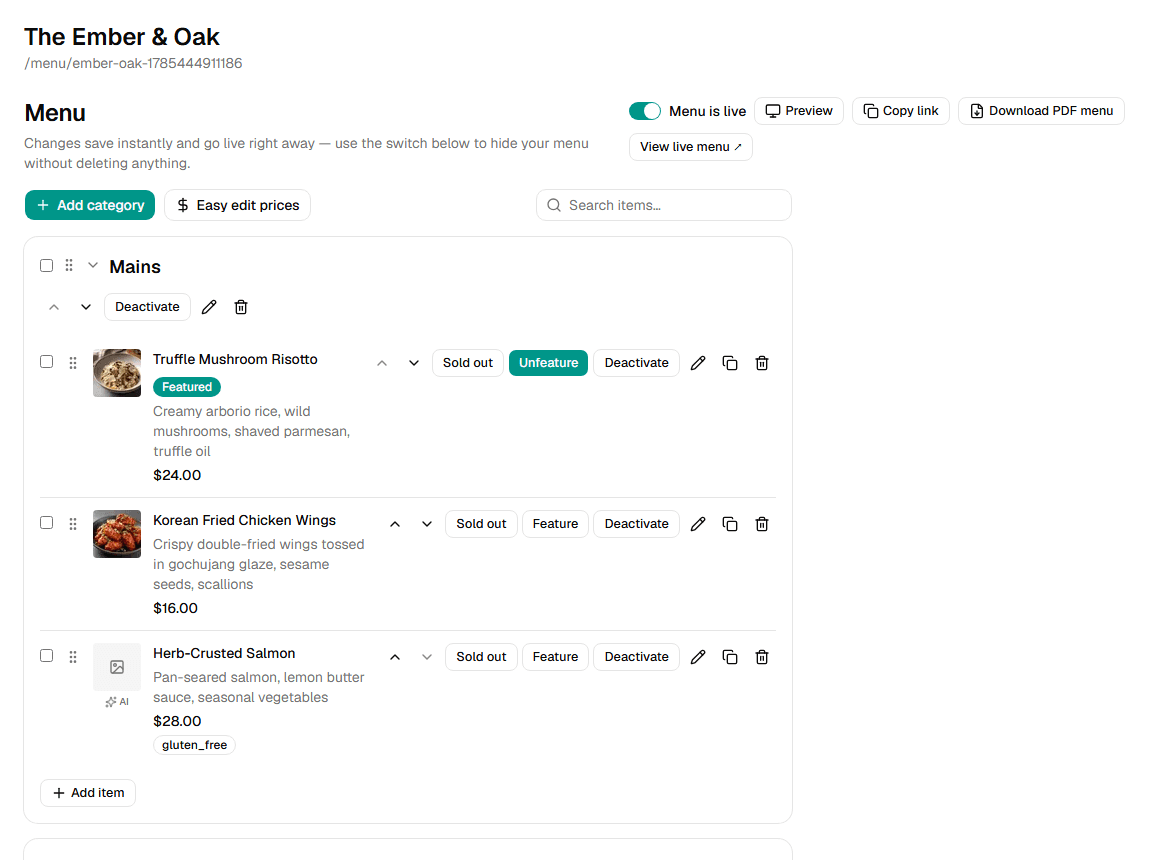
Yes — the editor has drag-and-drop reordering, search, and bulk price editing built for larger menus.

Can I print a physical copy of my menu?

Yes, one click generates a print-ready PDF from your live digital menu.

Ready to modernize your menu?

We build your menu, program your tags, and hand you the finished setup — usually within days.

Ready to get started?

Get started